What it covers

Your team, rostered and accounted for

Staff records, certifications, rosters, leave and pay parity are the same problem seen from different angles, so they live in the same system. Rostering a week tells you what it costs, and a certificate about to lapse surfaces before it does.

One staff record, not five folders

A staff record holds the things you'd otherwise keep in a filing cabinet and a spreadsheet: certification, safety checks, employment details, documents.

The sensitive parts are gated separately, so a centre manager can see who is qualified to be counted in the ratio without seeing anybody's payroll detail.

  • Teaching certificates with their expiry dates
  • Safety checks and their renewal dates
  • Employment type, basis and position
  • Health, payroll and documents each separately permissioned
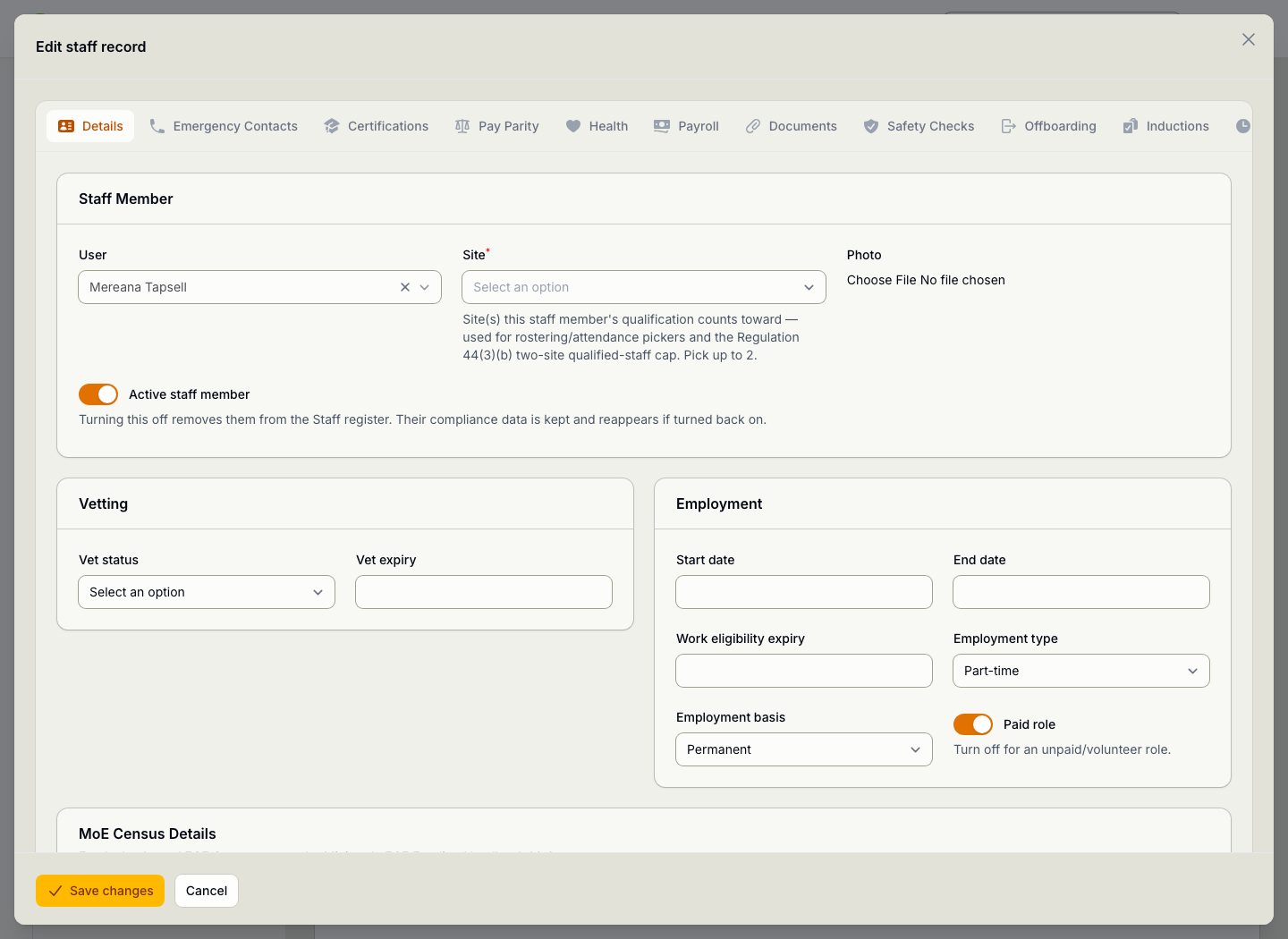
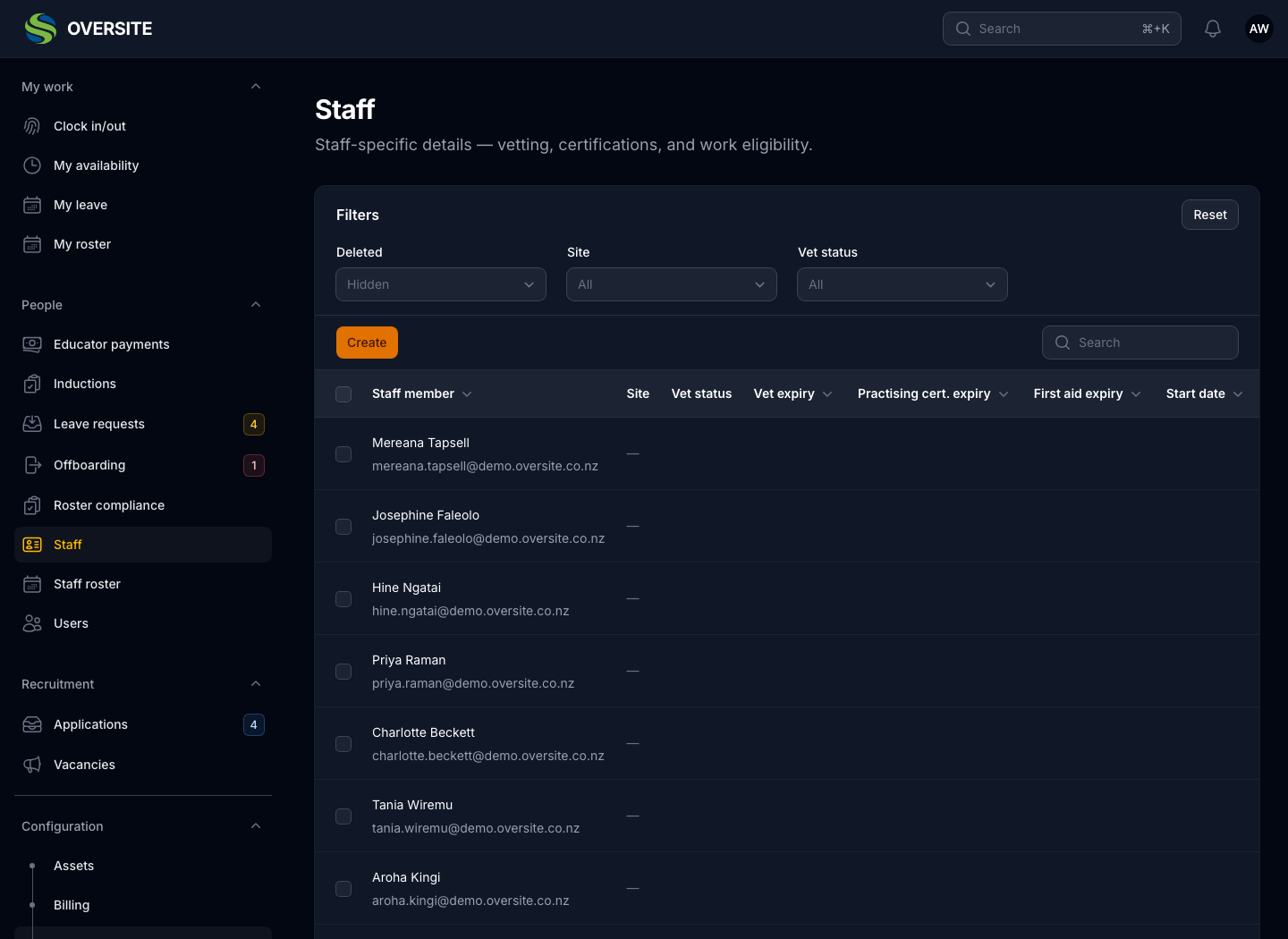
A staff record open for editing, with tabs for the different parts of the record, showing personal details, the sites they work at and their role. The Staff list in dark mode showing every staff member with the centres they work at, their role, their certification status and whether they are active.

Build the week and see what it costs

The roster totals hours and cost for the period while you're still building it, rather than after payroll has run. Cost is calculated from the pay parity scale you're already maintaining, so it doesn't need a second set of figures kept up to date.

It's permissioned separately too, so the people building a roster don't automatically see what it costs.

  • Hours and cost totalled as you roster
  • Closed days blocked by the site licence
  • Draft and published states, so nothing lands early
  • Downloaded as a PDF for the staffroom wall
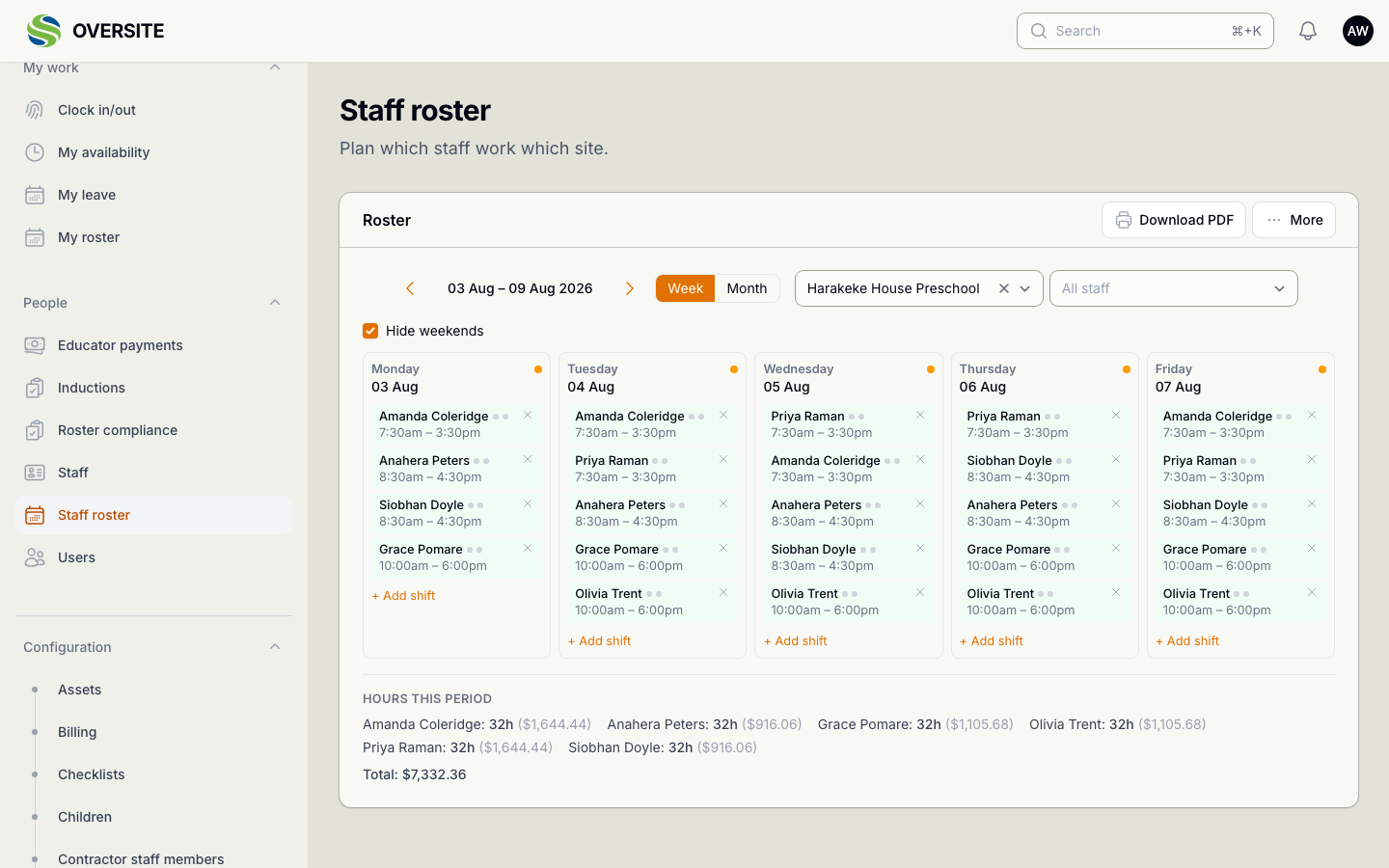
The Staff roster showing a published week for one centre, with each day's shifts listed by staff member and time, and an hours-and-cost summary for the period underneath.

Your team can answer their own questions

Every staff member gets their own view: the shifts they're on, the leave they've requested, and the availability they've given you. They can check it whenever they need to, and whoever builds the roster starts from better information.

  • Their roster, without asking the office
  • Leave requested and tracked
  • Availability kept current by the person it belongs to
  • Clock in and out on site
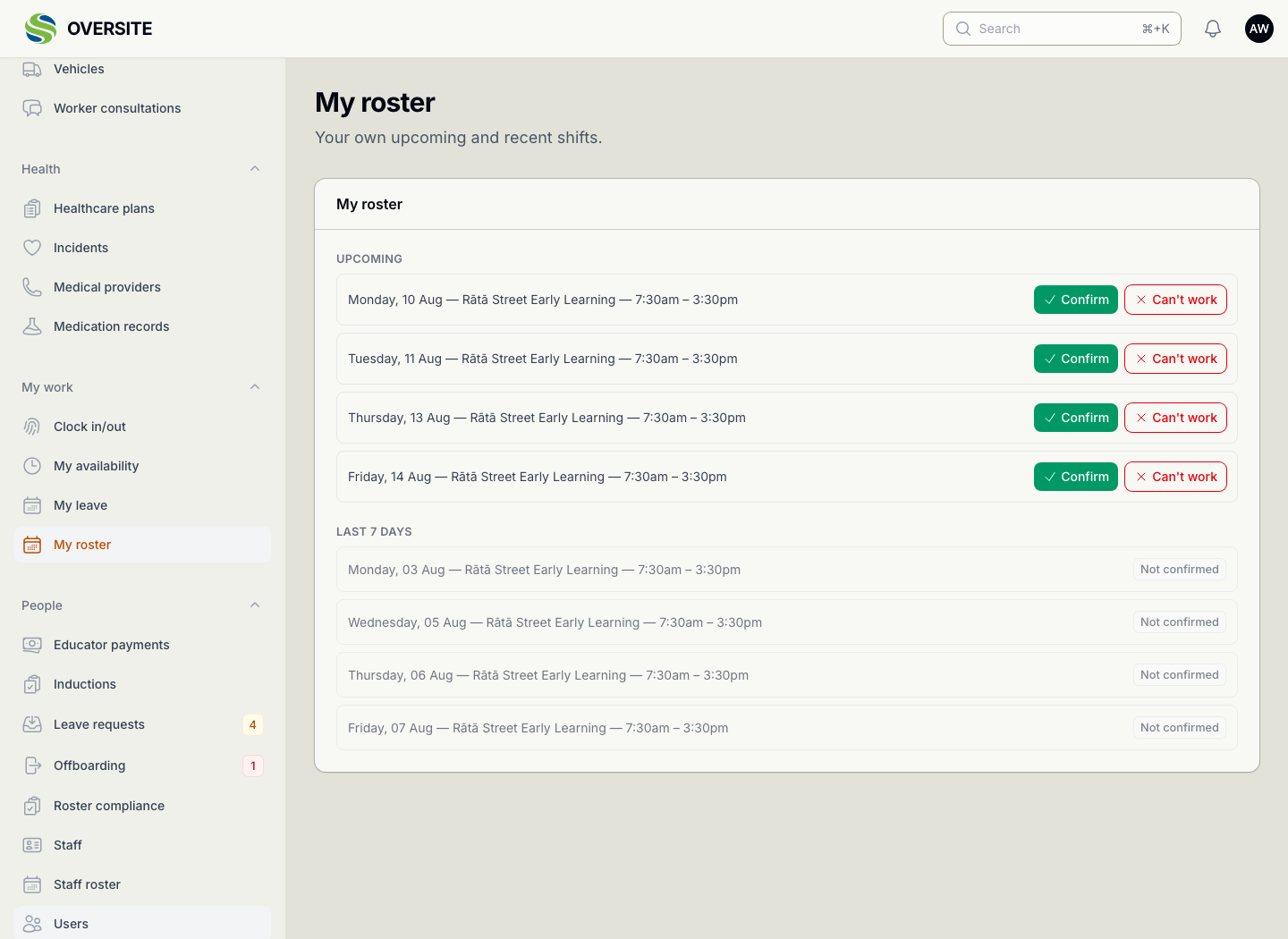
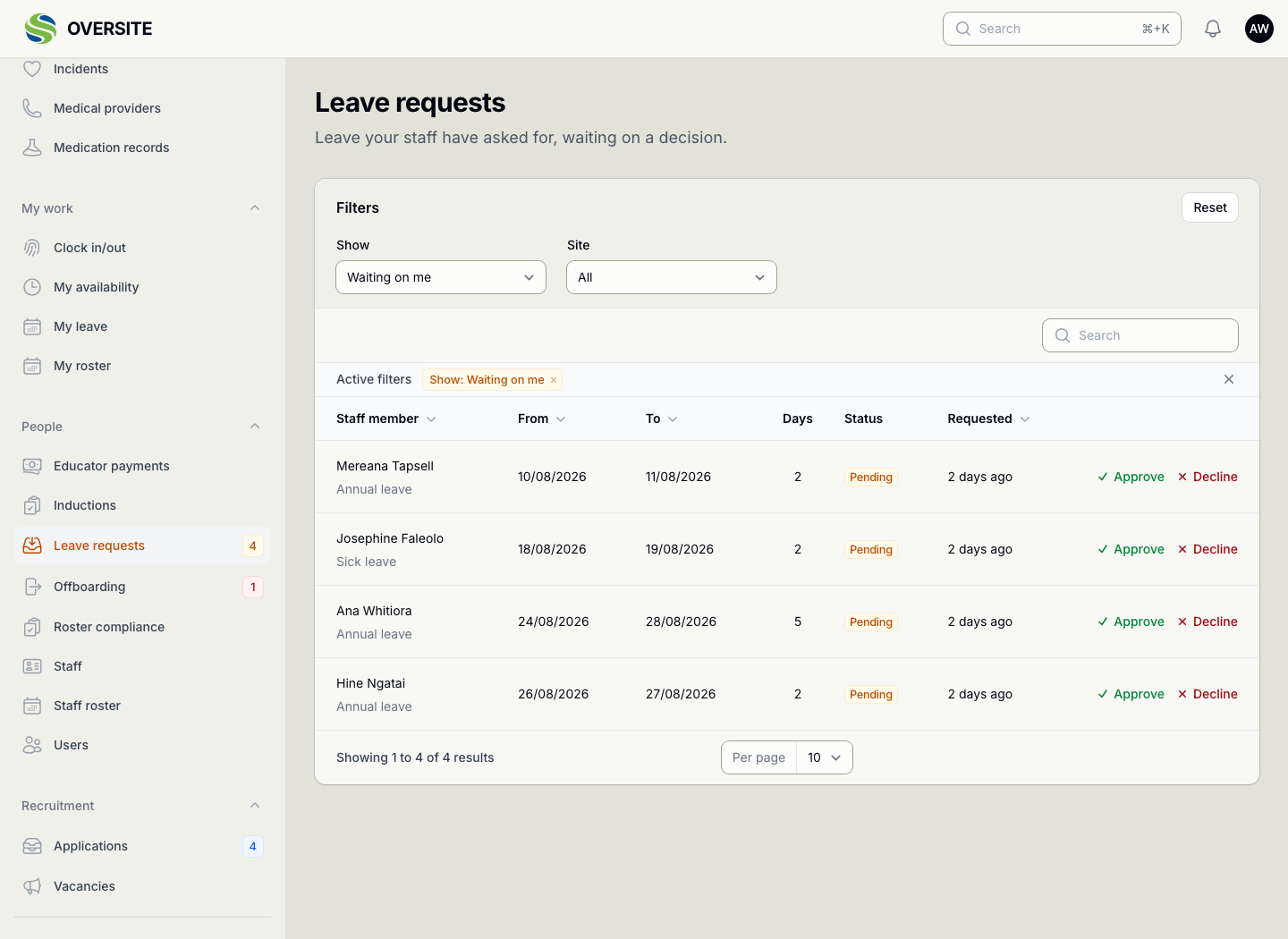
The My roster screen, showing an individual staff member their own upcoming shifts. The Leave requests screen listing requests from staff with the person, the type of leave, the dates covered, how many days it is and whether it has been approved.

See it with your own setup

Tell us how many sites you run and what you're using now, and we'll show you the parts that matter most to you. No obligation, and you'll hear back within one working day.

Book a demo