Why Oversite
What we cover Case study Security & data Procurement Moving across Support Roadmap Book a demoChildren & families
Enrolments & attendance Enquiry to roll call, one record The guardian portal Journal, invoices and consents Learning & records Te Whāriki entries, media library Daily care Sleep, nappies, absences, excursions Health & medical Plans, medication, allergies Home-based services Schedule 1A, educators, coordinatorsCompliance & safety
Ratios & funding Schedule 2, RS7, ECE Census Hazards & incidents Registers, drills, HSWA evidence Governance & quality ERO cycles, consultation, checklists Reports 72 built in, across thirteen areas Automation & setup 26 daily checks, your wordingRunning the organisation
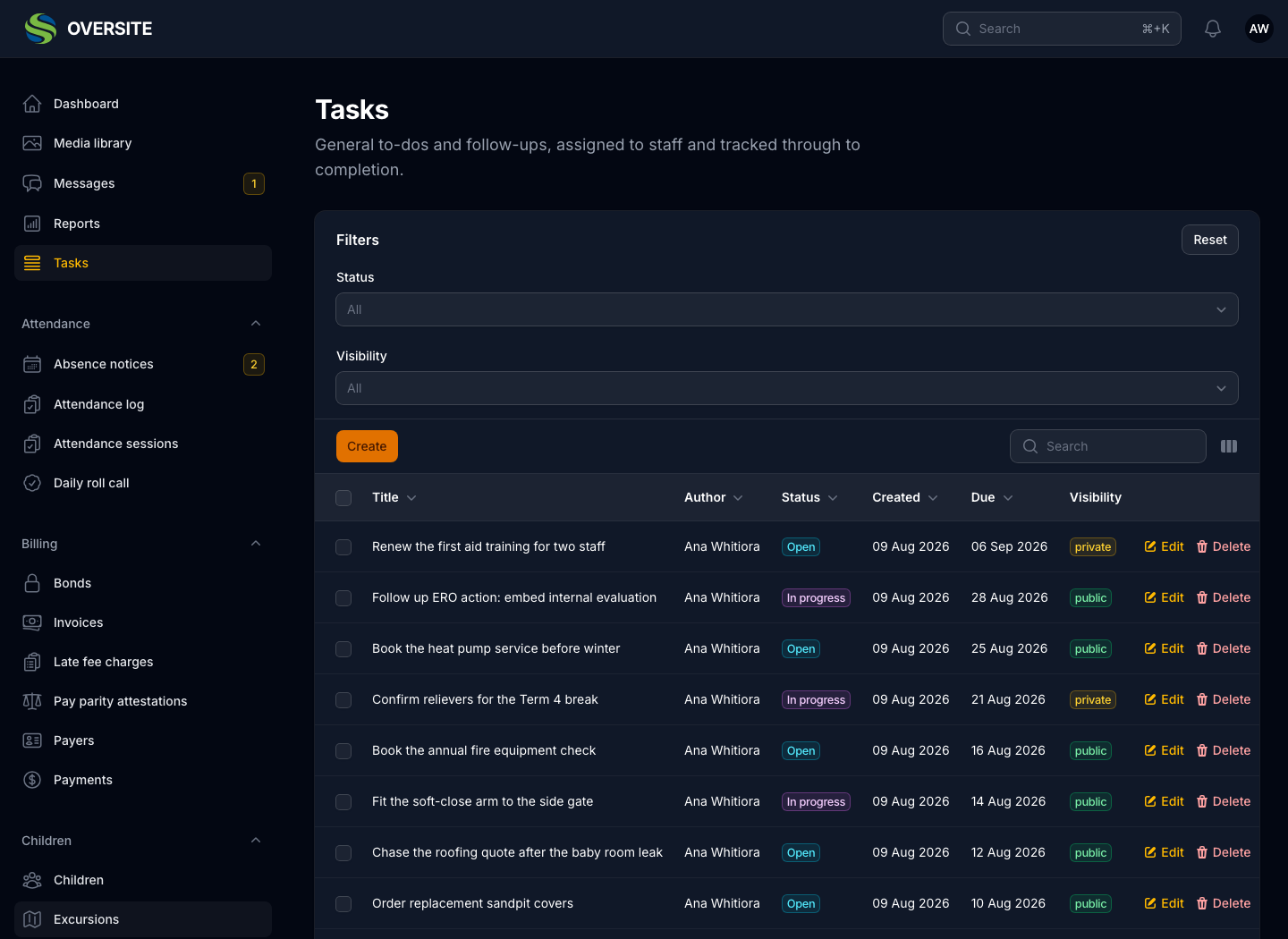
Staff & rosters Records, pay parity, costed rosters Hiring & recruitment Vacancies, careers page, safety checks Billing & payments Invoices, bonds, late fees Property & assets Sites, equipment, fleet Contractors & works Jobs, projects, vetting Portals & kiosks Sign-in tablets for every door Seeing your day Dashboard, tasks, messagesWhat it covers
Most compliance failures are not decisions. They are dates that passed while everyone was busy. Oversite runs twenty-six scheduled jobs every day looking for exactly those, and tells the right person before the date matters rather than after.
Warrants, certificates, vetting, insurance, drills, policy reviews: every one of them has a date attached, and every one is checked nightly. What is coming up reaches the person responsible for it while there is still time to act.
The same schedule generates invoices, creates the day's attendance sessions, closes records left open, and chases overdue accounts. Work that would otherwise be somebody remembering to do it on the right morning.
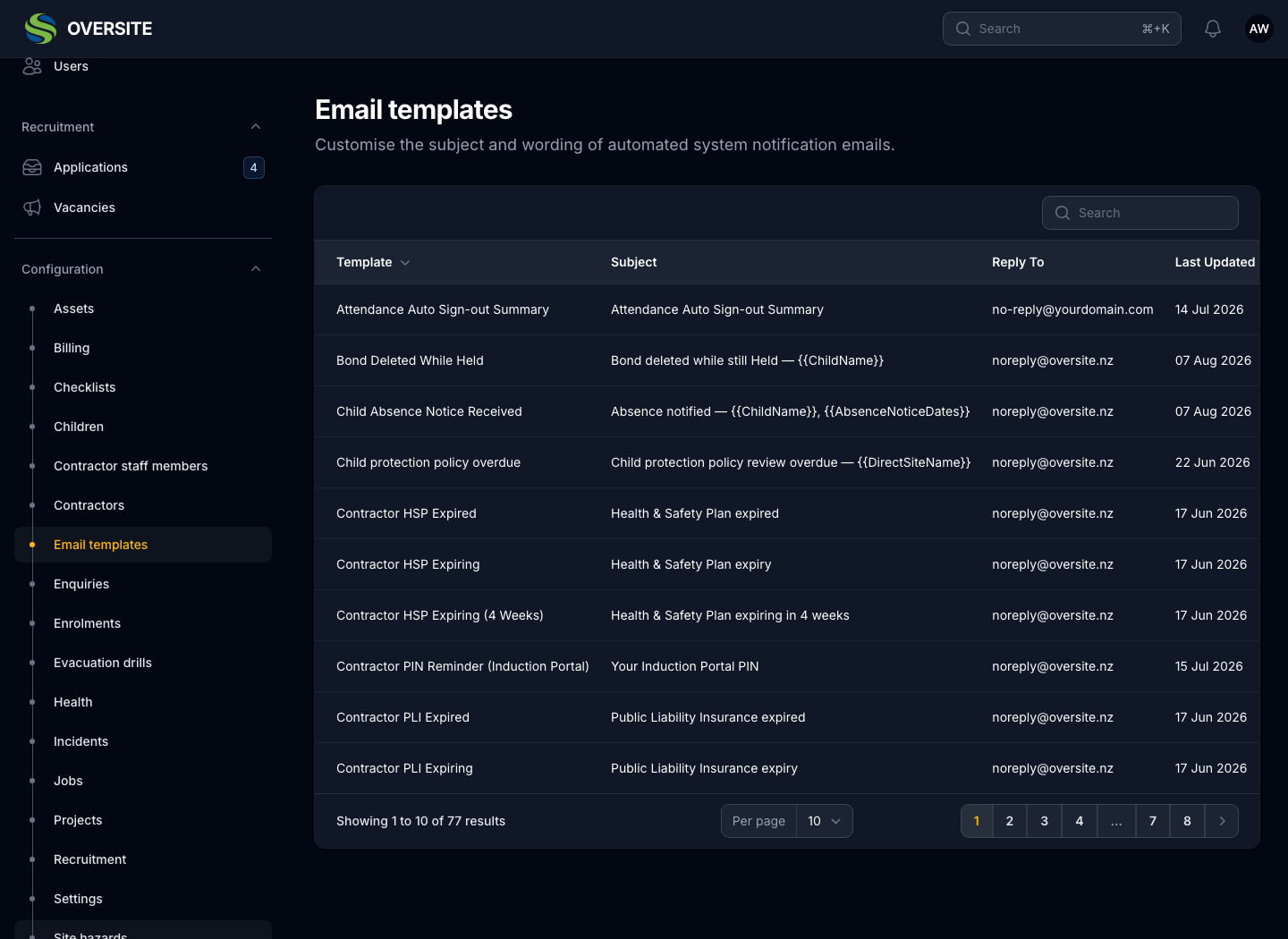
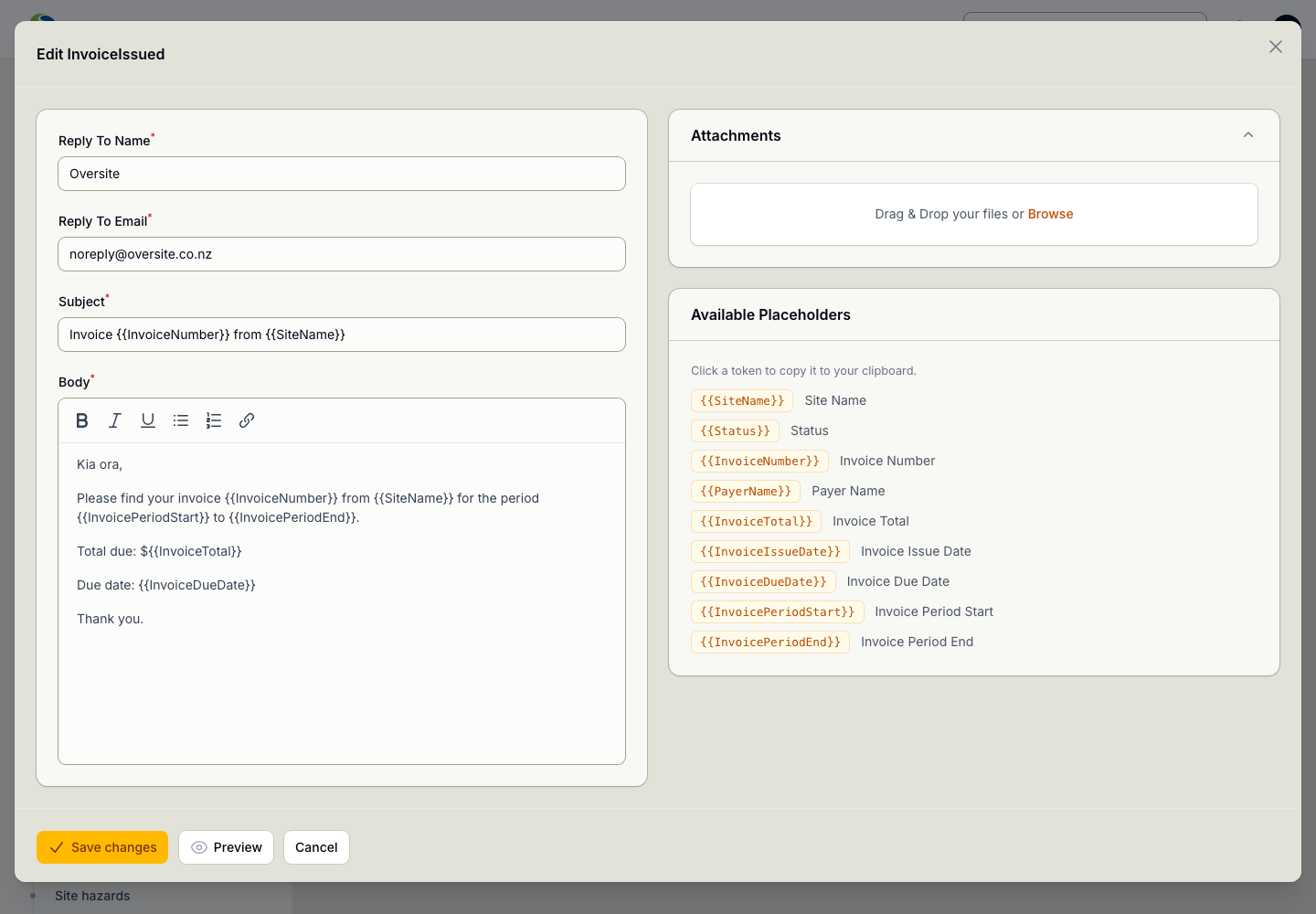
Every automated email is a template you can open and rewrite, subject and body, with merge fields for the child, the site, the date. If a reminder sounds wrong coming from your organisation, change it rather than apologising for it.
All seventy-seven of them, including the ones nobody thinks about until they land badly, such as an overdue invoice reminder or a notice that a child was signed out automatically.
Twenty-six jobs on a schedule. Nothing to switch on, nothing to configure, and nothing that depends on somebody remembering.
Each of these finds the records that qualify, works out who is responsible for them, and notifies those people in the app and by email, using wording you control. The ones that generate something (invoices, attendance sessions, educator payments) produce a draft you review rather than acting on your behalf unsupervised.
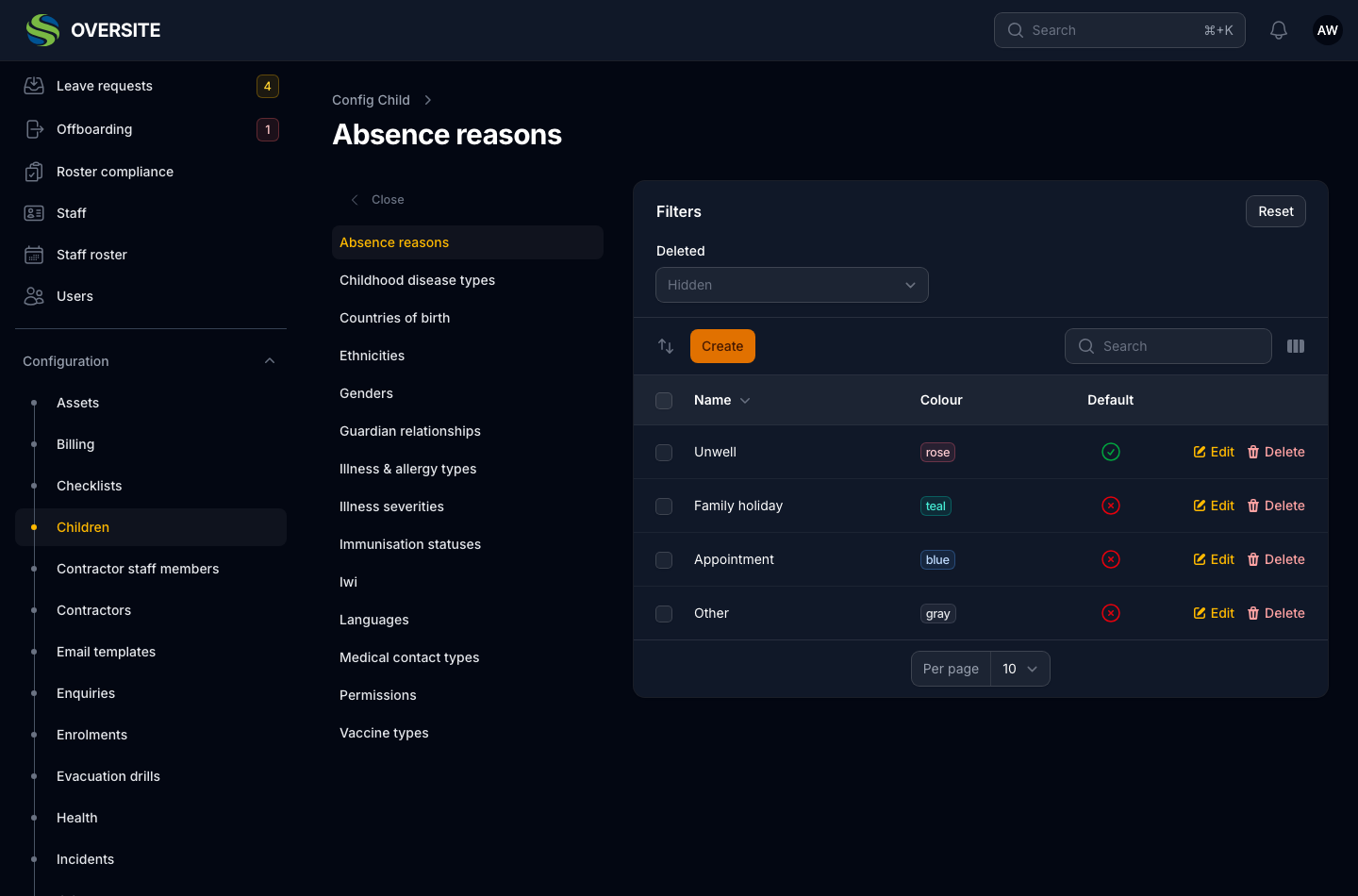
Absence reasons, incident causes, job statuses, decline reasons, vetting statuses, trades, areas, drill types: all of these are lists you maintain rather than values compiled into the product. If your organisation calls something by a different name, change it.
Behaviour follows flags on those records rather than their names, so renaming an option is safe. Nothing anywhere asks whether a status is called Won; it asks whether the record is flagged as one.
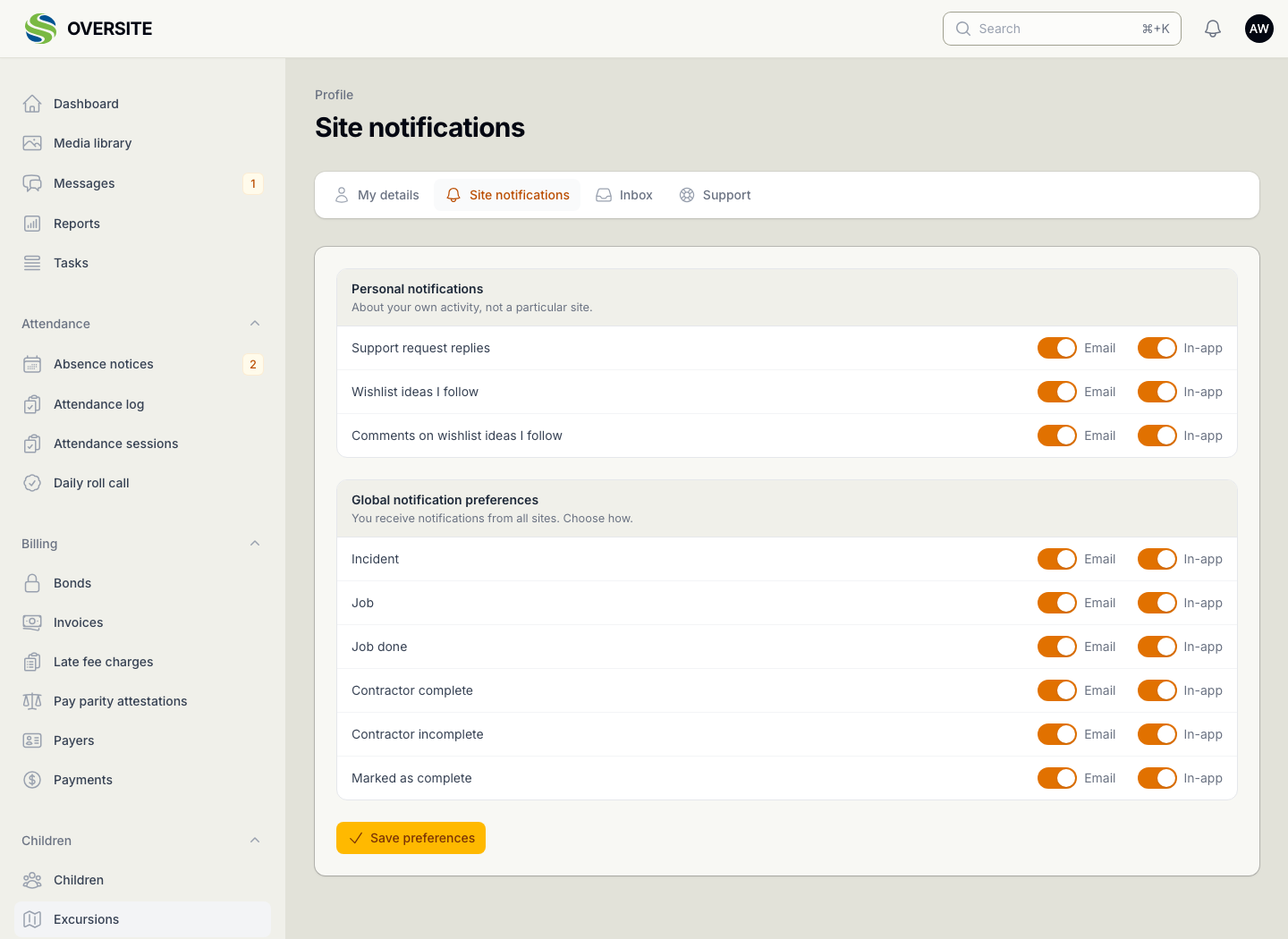
Notifications arrive in the app and by email, and each one links to the record it concerns rather than describing it. Fewer emails that say "something needs your attention" and more that take you to the thing.
People choose what they are notified about, so a centre manager and an administrator don't receive identical inboxes.
Tell us how many sites you run and what you're using now, and we'll show you the parts that matter most to you. No obligation, and you'll hear back within one working day.
Book a demo