What it covers

Documenting learning, and everything you file

Educators write an observation once and it reaches the family, the child's record and your reporting. Everything else you upload, from certificates and policies to reports and plans, lands in one library rather than in whoever's inbox received it.

Written once, wherever it needs to go

An entry holds what the educator saw, the learning they noticed in it, and what they plan to do next, which is the structure a learning story has rather than a free-text box and good intentions.

Publishing puts it in front of the family. Until then it is a draft, which matters when the person writing it is doing so between two other things.

  • Observation, the learning in it, and where it goes next
  • Tagged to Te Whāriki strands
  • One entry can cover several children
  • Draft until published, so nothing goes out half-written
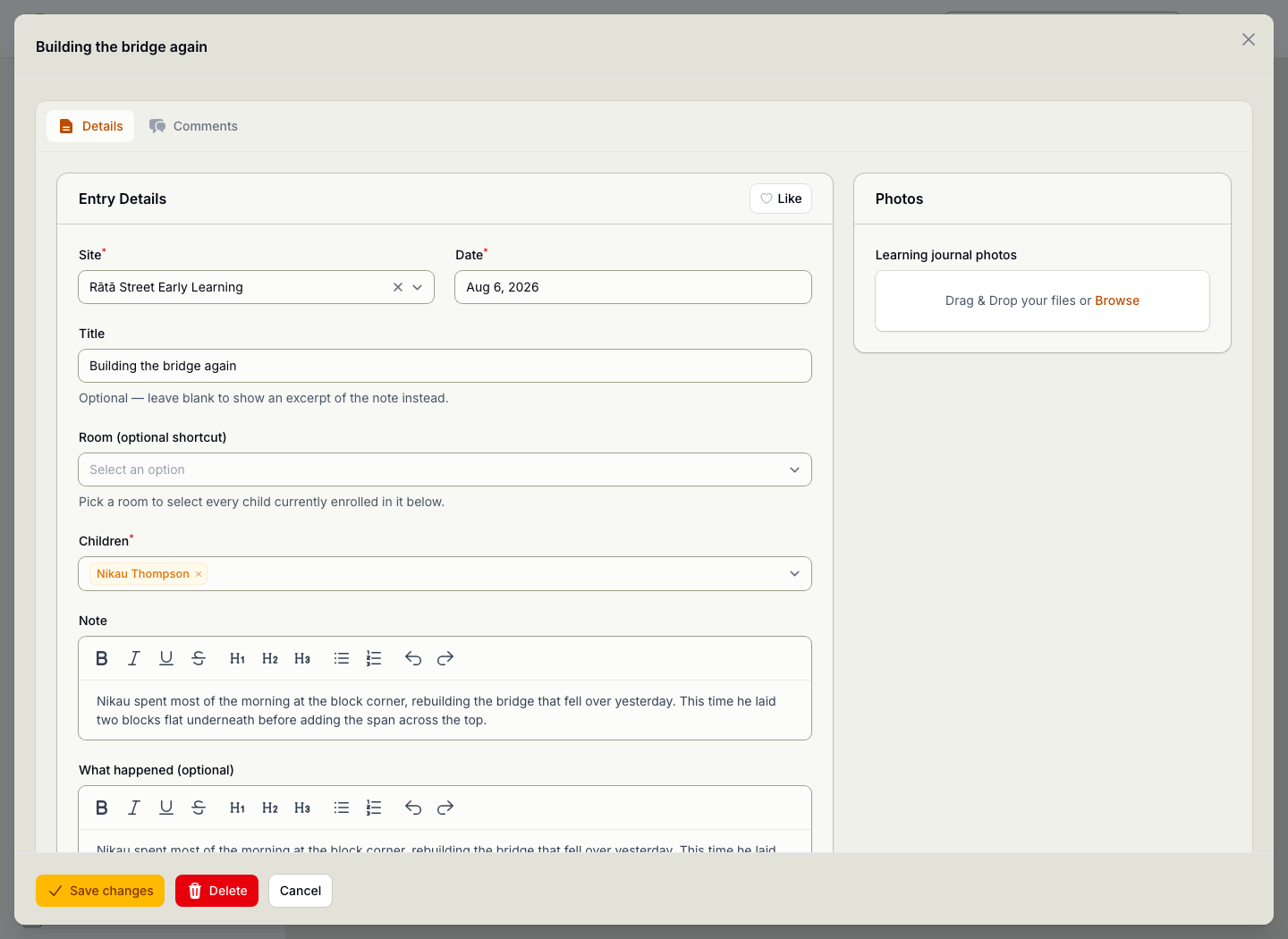
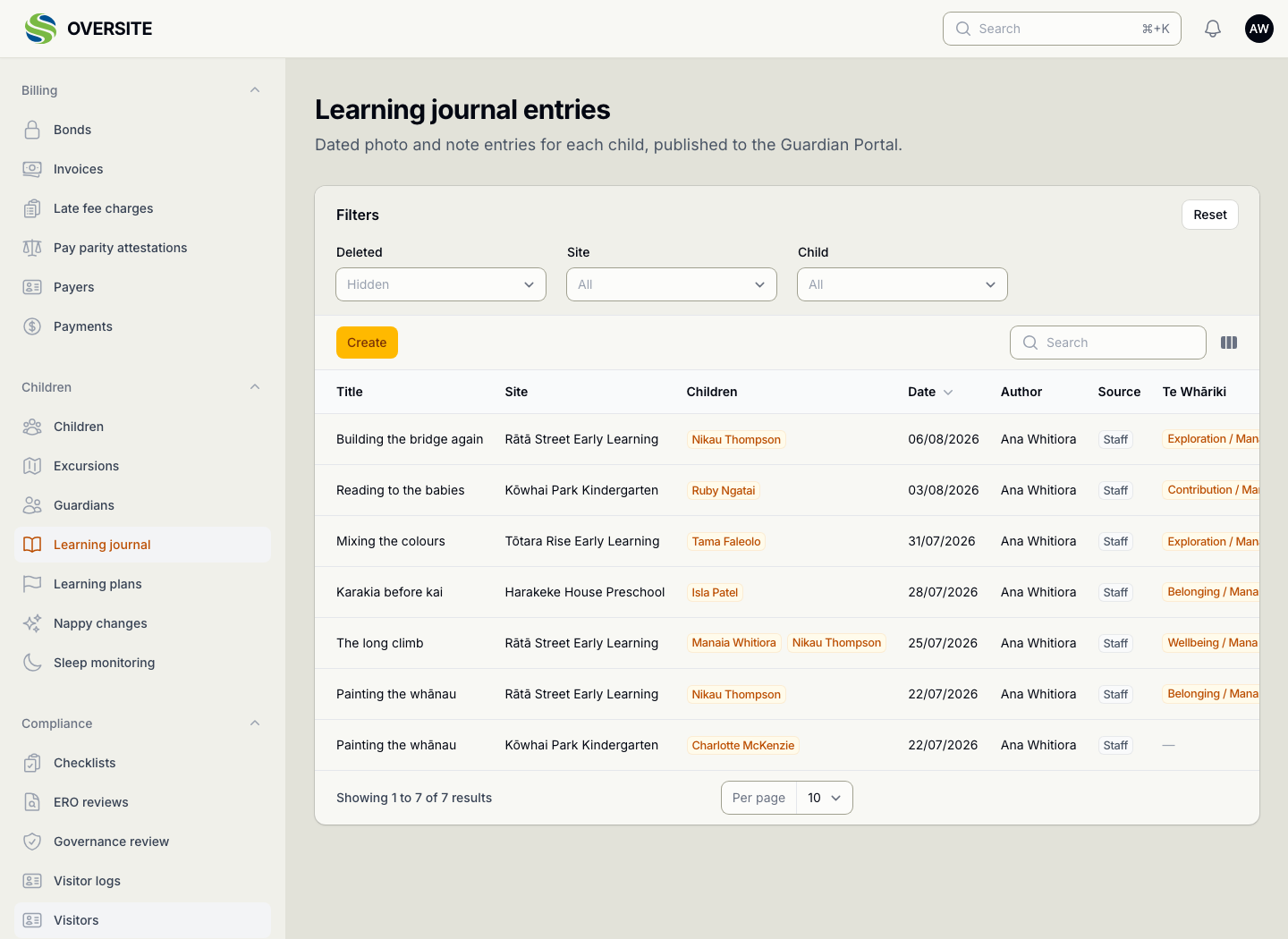
A learning journal entry open for editing, showing the site, date, title, the children it is about, the note, and a photo panel for attaching images. The Learning journal entries list showing published entries across the centres with the date, title, the children they are about and the educator who wrote them.

Every file, findable

A contractor's insurance certificate, a playground inspection, a site's evacuation plan, a staff qualification: all uploaded in different places by different people, and all findable from one screen.

That is the difference between having a document and being able to produce it when somebody asks for it.

  • Files attached anywhere, gathered into one view
  • Filtered by record type, collection or file type
  • Shows which record each file came from
  • Searchable by name
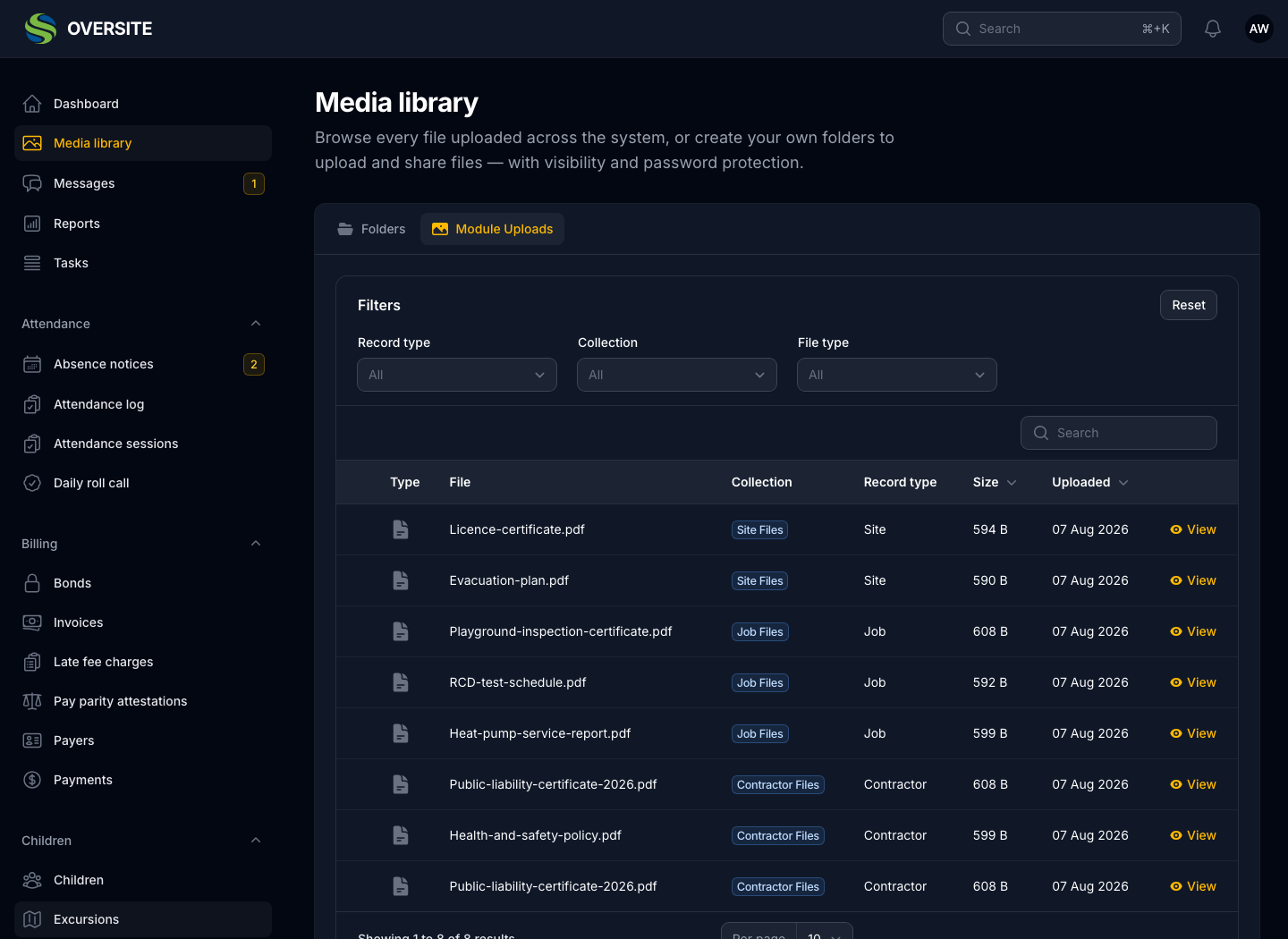
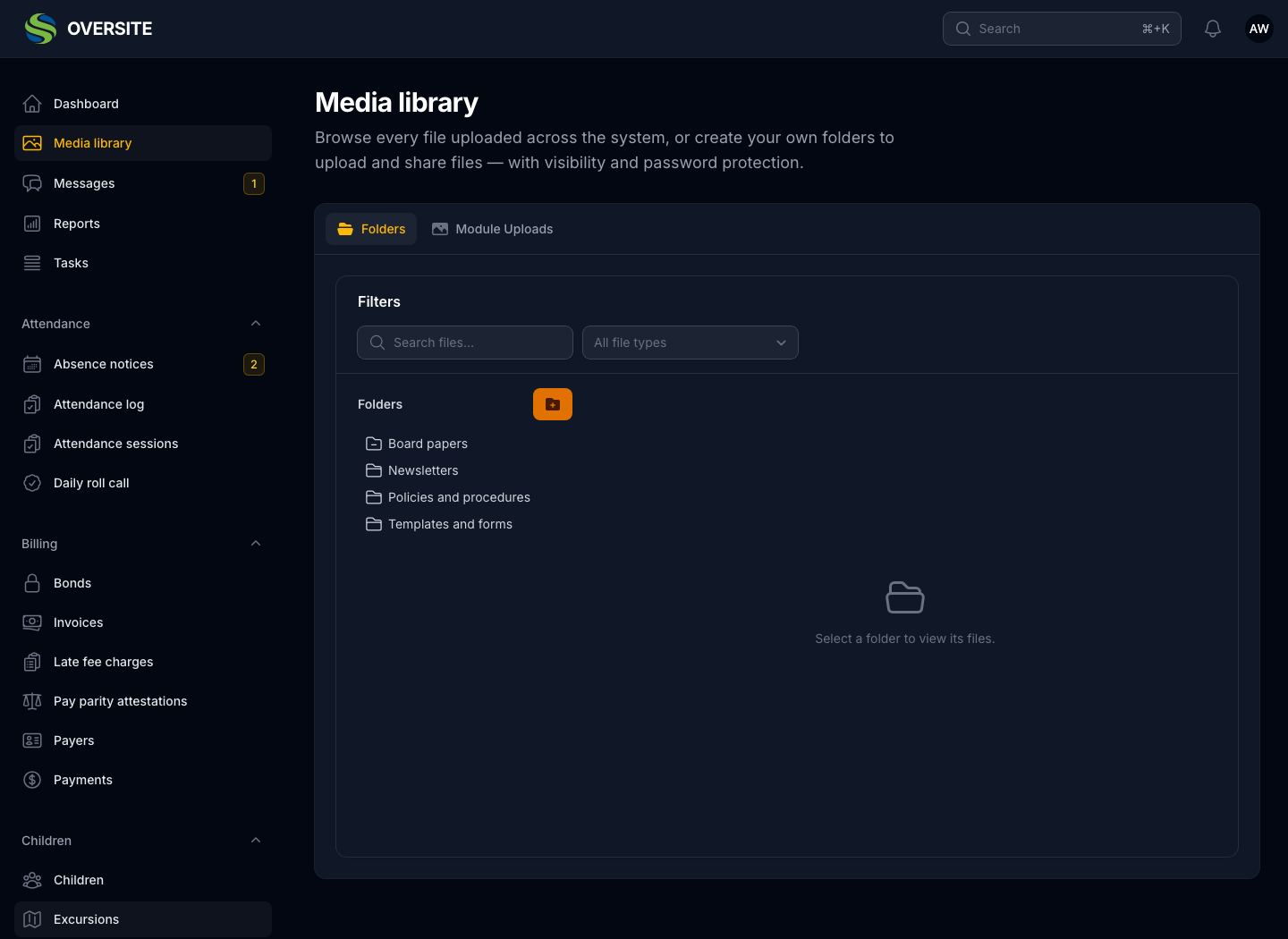
The Media library's module uploads view in dark mode, listing files uploaded against records elsewhere in the system with the module they came from and when. The Media library in dark mode showing folders of documents held for the organisation, each with how many files it contains and who can see it.

Folders you choose who sees

Alongside the files the system gathers automatically, you can make your own folders for the things that belong to the organisation rather than to a record, such as policies, newsletters, templates and board papers.

Each folder carries its own visibility, so the staff handbook and the board pack can live in the same library without living in the same audience.

  • Your own folders alongside the module uploads
  • Visibility set per folder
  • Password protection where it is warranted
  • Somewhere to keep policies, newsletters and board papers
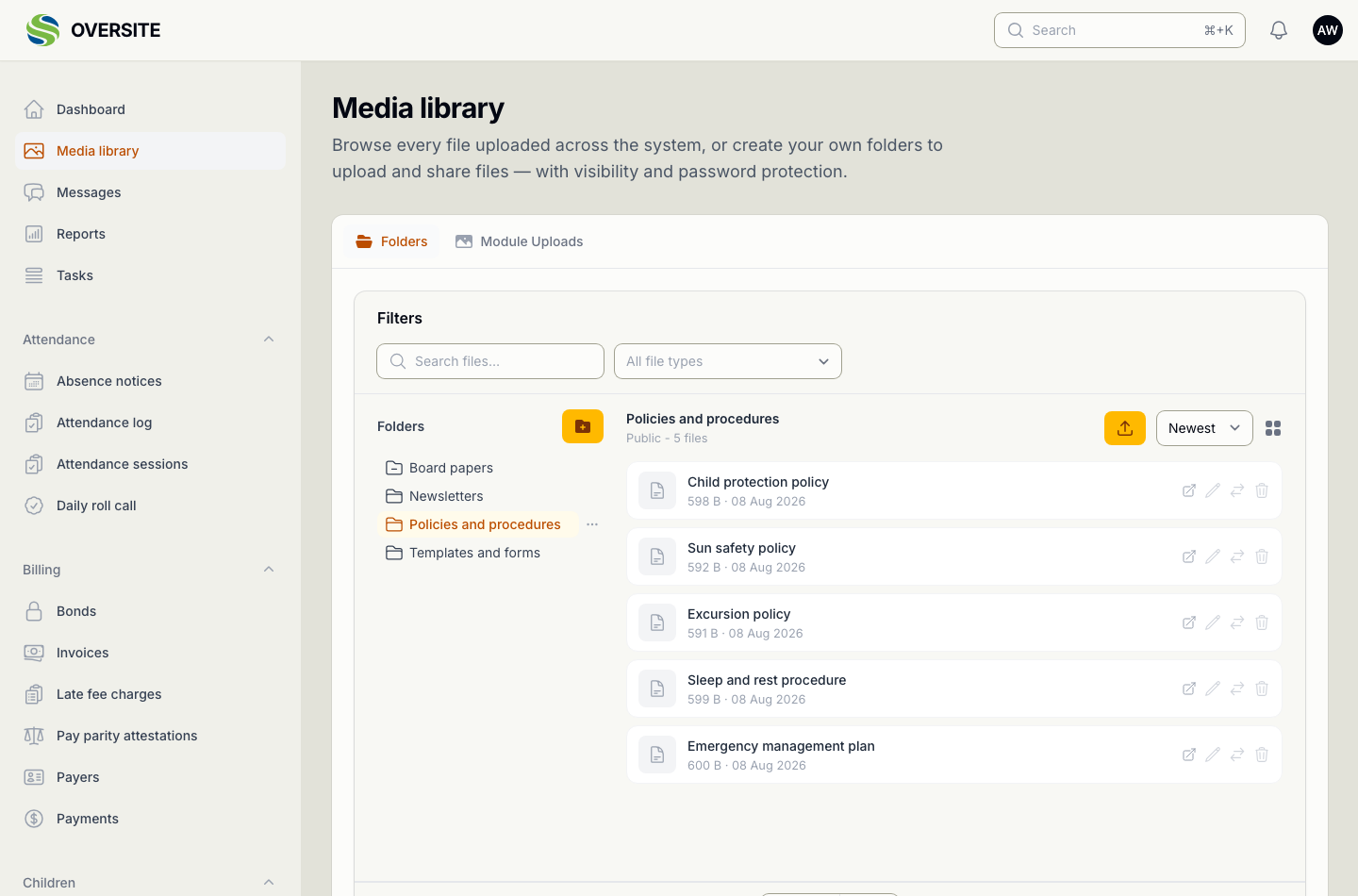
The Media library's Folders view with the Policies and procedures folder open, listing the child protection policy, sun safety policy, excursion policy, sleep and rest procedure and emergency management plan, each with its size and date.

See it with your own setup

Tell us how many sites you run and what you're using now, and we'll show you the parts that matter most to you. No obligation, and you'll hear back within one working day.

Book a demo